Key Takeaways
- 1. MCP standardizes AI integrations. It gives compatible applications a common protocol for connecting to external tools and data sources.
- 2. Hosts, clients, and servers have different responsibilities. The host coordinates the AI experience, the client handles protocol communication, and the server exposes capabilities.
- 3. Tools, resources, and prompts serve different purposes. They support actions, contextual information, and reusable instructions.
- 4. The protocol structures communication. MCP uses JSON-RPC-based messages and supported transport mechanisms to exchange requests and results.
- 5. Security remains an implementation responsibility. Permissions, authentication, input validation, and human approval for sensitive actions must be designed appropriately.
AI agents become more useful when they can access information and tools beyond their own model. They may need to search documents, retrieve customer records, query a database, or request an action from an external service. The Model Context Protocol (MCP) provides a standardized way to connect AI applications with these capabilities.
Understanding how does MCP work starts with three components: a host application, an MCP client, and an MCP server. Together, they establish a structured way to discover available capabilities, exchange information, and request operations while keeping integrations separate from the AI model itself.
MCP does not make an AI agent automatically reliable or autonomous. It provides the communication framework that developers can use to build connected AI workflows.
What Is the Basic Architecture Behind MCP?
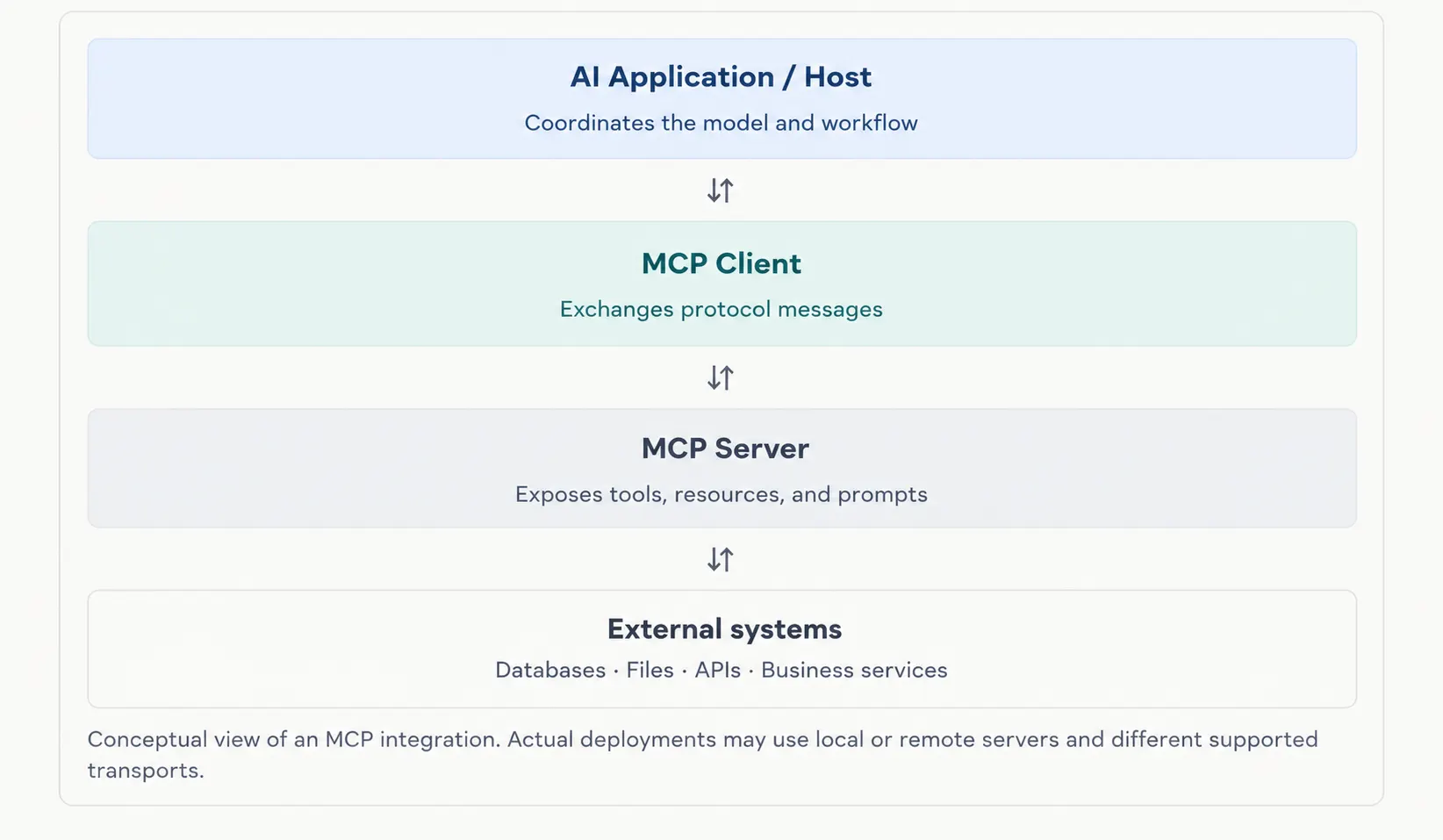
MCP follows a host-client-server architecture that separates AI orchestration from external integrations. This makes it easier to connect an AI application to multiple services without embedding every integration directly into the model workflow.
The three components work together as follows:
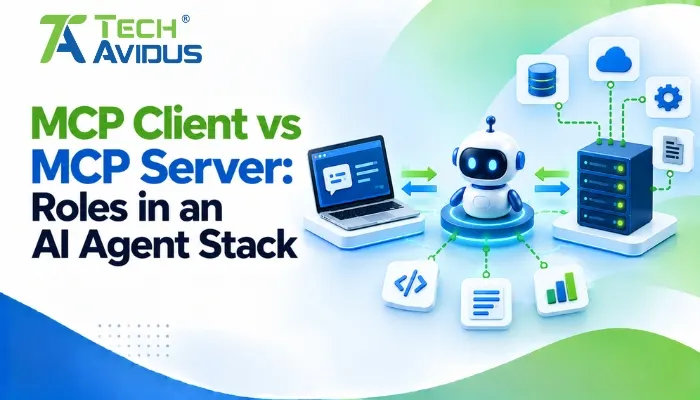
- MCP host: The AI application that manages the model interaction, connected servers, and user-facing workflow. It decides how available capabilities are presented and applies the application's security and approval policies.
- MCP client: A component within the host that communicates with a particular MCP server. Each client manages its connection or communication relationship with that server.
- MCP server: A local process or remote service that exposes approved tools, resources, and prompts. It connects those capabilities to underlying systems such as files, databases, or business APIs.
How Does an MCP Request Flow From AI to a Tool?
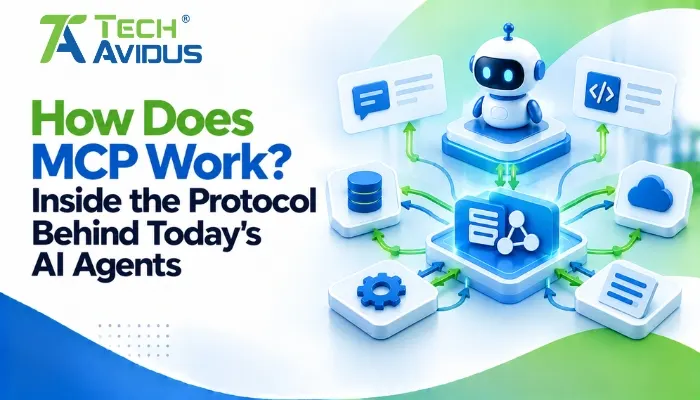
An MCP workflow typically involves discovering capabilities, selecting an appropriate operation, sending a structured request, and returning the result to the AI application. The exact lifecycle details depend on the MCP specification version and the capabilities implemented by the client and server.
1. Connect and discover capabilities
The host establishes communication with an MCP server through a compatible client. The client and server must support compatible protocol behavior and the relevant capabilities.
In the July 2026 specification, a server/discover request can be used to discover server identity and supported capabilities. Earlier protocol versions use an initialization handshake, so developers should follow the specification version their implementation supports.
2. Identify available tools and resources
The client can request a list of available tools, resources, or prompts. The server provides descriptions and relevant metadata so the host can determine what the integration supports.
For example, a project-management server might expose a tool for searching tasks and a resource containing project documentation. The host can make these capabilities available to the AI workflow without hardcoding every operation into the model itself.
3. Send a structured request
When the AI application determines that a tool is relevant, the host can route the request through the appropriate client. MCP uses JSON-RPC-based messages to structure requests and responses.
The client sends the tool name and its arguments to the server. The server should validate the request, enforce applicable permissions, and perform only the operations that the implementation allows.
4. Return and interpret the result
The server sends a response to the client, which passes the result back to the host. The AI application can then use that information to formulate an answer or determine whether another step is needed.
A tool response does not automatically mean that an operation was successful in the business sense. The host should interpret errors, validate important results, and require confirmation for consequential actions when appropriate.
What Are MCP Tools, Resources, and Prompts?
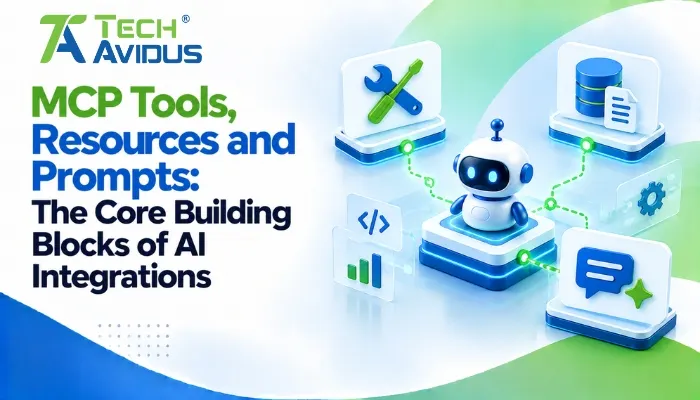
MCP defines three core server-side capability types: tools, resources, and prompts. Each supports a different part of the AI integration workflow.
- Tools enable actions. Examples include searching a CRM, creating a support ticket, or querying an approved database. Because tools may change data or trigger external operations, authorization and validation are essential.
- Resources provide context. They can expose documents, structured records, or other information that an AI application may use to answer a question. Access should be limited to data the requesting user or application is permitted to retrieve.
- Prompts provide reusable templates. A server can offer structured instructions for recurring tasks, such as summarizing a project or preparing a report. The host decides how those templates fit into its user experience.
These capabilities can work together. An assistant might read a project resource, use a tool to retrieve current task status, and apply a prompt to prepare a concise progress summary.
How Does MCP Transport Data Between Systems?
MCP separates its message format from the transport used to carry those messages. This allows the same protocol concepts to work in different deployment environments.
Two important transport options are:
- Standard input/output (stdio): Often used when an MCP client launches a local server process. It can suit developer tools or local integrations that do not need a remote network service.
- Streamable HTTP: Supports communication with remote MCP servers using HTTP-based requests and optional streaming. It is useful when capabilities need to be exposed as a service, but requires careful configuration of authentication and network access.
The right transport depends on where the server runs, which clients must access it, and the security controls the application requires. Compatibility should be checked against the relevant MCP specification and SDK documentation.
What Are the Benefits and Limitations of MCP?
MCP can simplify integration design, but it does not remove the engineering work needed to build secure and reliable AI applications.
Benefits
- Reusable integrations: A compatible server can expose the same capabilities to multiple compatible AI clients, reducing duplicated integration work.
- Modular architecture: AI orchestration can remain separate from the code that connects to individual databases, APIs, or services.
- Flexible workflows: Applications can combine contextual information with approved tool calls to support more useful AI-assisted tasks.
Limitations
- Compatibility needs attention: Clients and servers must support compatible protocol versions, transports, and capabilities.
- Security is not automatic: A protocol connection does not guarantee correct authorization, safe tool execution, or appropriate access to sensitive information.
- Results need validation: An AI model can select the wrong tool or misinterpret its output. Important operations need appropriate checks, error handling, and sometimes human approval.
Real-World Example: An AI Assistant for Customer Support
Imagine a support team wants an AI assistant that can retrieve order information and draft responses to customer questions.
The team connects an MCP server to approved order-search functionality and relevant product documentation. When an employee asks about a delayed order, the assistant can request the appropriate information, receive the result, and prepare a response based on the available context.
Before deployment, the team should verify that employees can access only authorized customer records, that tool inputs are validated, and that any consequential action such as issuing a refund requires the appropriate permission and approval.
This is an illustrative workflow, not a reported client case study. It shows how a common protocol can connect AI reasoning to business systems without eliminating the need for application-level safeguards.
Best Practices for Building Reliable MCP Integrations
- Start with a narrow use case. Expose only the tools and resources required for one clear workflow. Expand capabilities after confirming that the integration works reliably and provides useful results.
- Apply least-privilege access. Restrict each server to the data and operations it needs, and verify user permissions before returning sensitive information or performing an action.
- Validate inputs and outputs. Check tool arguments, handle errors explicitly, and treat external responses as untrusted data. Do not assume a request is safe just because it follows the expected message structure.
- Secure credentials and transports. Keep secrets out of prompts, frontend code, and logs. For remote HTTP integrations, follow the applicable requirements in the official MCP authorization specification and your chosen protocol version.
- Test failure scenarios. Check expired credentials, unavailable servers, malformed responses, denied permissions, and interrupted connections. Confirm that failures do not trigger unintended actions.
- Monitor production behavior. Track latency, failed requests, tool errors, and unusual access patterns while redacting credentials and sensitive data from logs.
Recap: How Does the MCP Workflow Fit Together?
MCP provides a standardized communication layer between AI applications and external capabilities. The host coordinates the AI workflow, the client communicates with a server, and the server exposes supported tools, resources, and prompts.
Requests and results are exchanged through structured protocol messages over a supported transport. Secure production implementations also require appropriate authentication, authorization, validation, monitoring, and error handling.
For businesses that need secure and reliable MCP integrations, our MCP Server Development service can help build and connect MCP servers to the required tools, data, and AI workflows.
Conclusion
MCP gives developers a structured way to connect AI applications with tools and data without building every integration around a single model or application. Its value comes from standardizing communication while keeping individual services modular.
Start with one useful workflow, expose only the required capabilities, and test the integration's security and reliability before expanding it. For custom implementations, Techavidus can help plan MCP server architecture and build integrations aligned with your application's requirements.
Book a free consultation to discuss your AI integration goals and implementation approach.
.jpg "Savan Surani")
Savan Surani
Savan Surani is an expert in MCP (Model Context Protocol) Server Development, specializing in building secure, scalable, and efficient solutions that connect AI models with external tools, APIs, and data sources. He focuses on developing custom MCP servers, streamlining AI integrations, and enabling seamless communication between AI applications and business systems. With a strong focus on automation, system interoperability, and reliable architecture, Savan helps businesses build intelligent, connected, and scalable AI-powered solutions.